
Most people learn cybersecurity from one side. You study to be a pentester, or you study to be a SOC analyst. The attacker learns how to get in. The defender learns how to read alerts. They rarely watch each other work.
That’s a gap, and both sides pay for it. An attacker who never reads the logs doesn’t know how loud they are. A defender who has never run the attack doesn’t know what to look for.
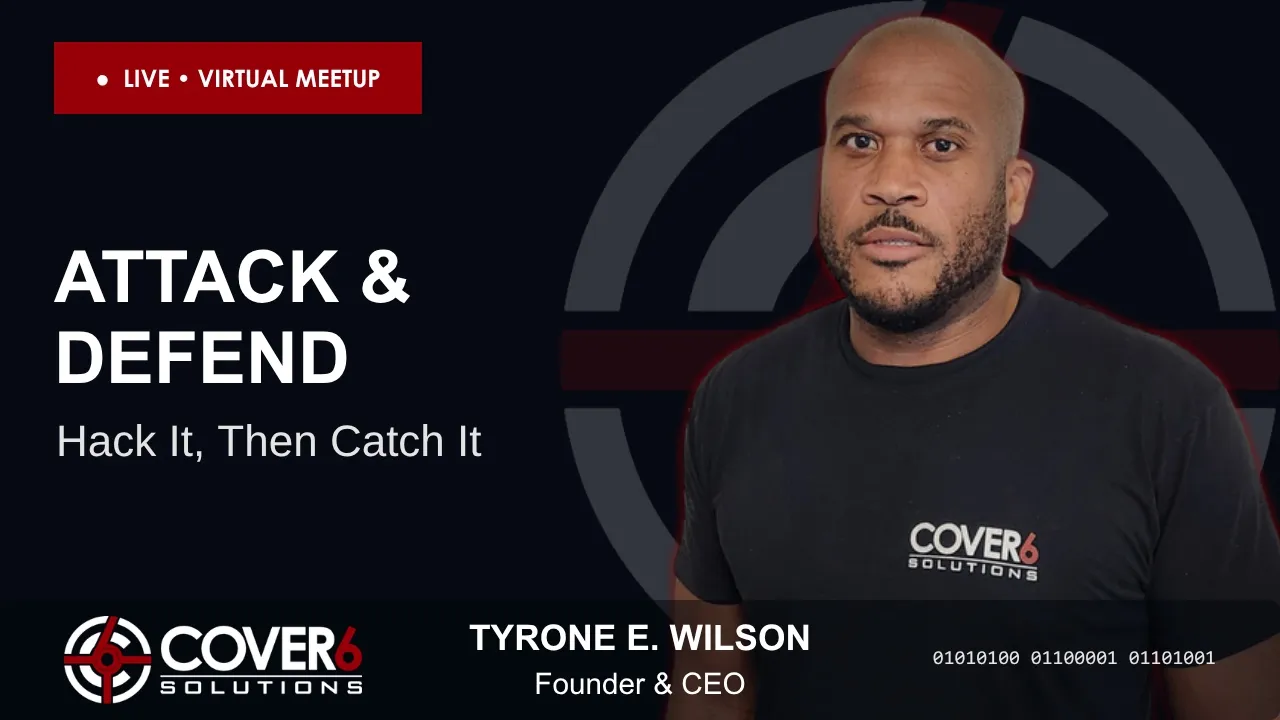

This post walks one attack through both seats: what the attacker does, what each step leaves behind, and what happens when the defender goes looking for it.
The idea: run it, then catch it
The exercise is simple. Run one attack against a lab you own, start to finish. Write down what you did and when. Then switch chairs, open your logs, and try to find yourself.
Three questions drive the second half:
- What did the attacker leave behind?
- Which log caught it?
- Which one didn’t, and why?
You only attack systems you own or have written permission to test. A home lab or a hosted training lab is the right place for this. Someone else’s network is not.
Seat 1: the attack
Almost every intrusion moves through the same three stages.
- Recon. The attacker finds out what’s exposed: which hosts are up, which services answer, what versions they run. It’s the quiet part, and it’s the step defenders most often never see.
- The foothold. Something exposed turns out to be weak. It could be an unpatched service, a default password, a web form that trusts its input, or a credential left lying around. This is where “something’s open” becomes “I’m in.”
- Once inside. Access is the start, not the finish. The attacker looks around, collects credentials, tries to get more privilege and moves toward whatever is worth taking.
At each stage, ask what the owner made easy. This year’s Cybersecurity Awareness Month theme is “Don’t Make It Easy for Them,” and every step of an attack is a place where someone did.
Seat 2: the hunt
Now take the same timeline into the SIEM. For every step the attacker took, ask:
- Which log source would have seen it? Firewall and network logs, web server logs, authentication logs and endpoint logs each see different things.
- What search finds it?
- Did it raise an alert, or did it just sit there?
Score each step: caught, logged but no alert, or nothing at all. That scorecard tells you more about a security program than any vendor slide.
Why defenders miss things
Defenders miss things. What matters is why. It’s almost always one of three reasons:
- No log source. The activity never got recorded, so there was nothing to find.
- Logged, but nobody was looking. The event is sitting in the SIEM, but no search or alert points at it.
- The search was too narrow. It looked for the wrong thing, or the right thing in the wrong place.
The fix starts with naming the reason. Then you write the detection, run the attack again and make sure the new detection fires. A fix you haven’t tested is only a guess.
Try this: pick one thing you did on a computer today, like logging in, installing something or opening a website. Which log would show it, and would anyone notice?
How to practice both sides at home
You don’t need an enterprise budget. You need three things:
- An attacker machine. A Kali Linux VM is the usual choice.
- A deliberately weak target. An intentionally vulnerable VM built for practice.
- Somewhere to collect logs. Splunk has a free license for home use.
Then run the loop on yourself: break it with one attack, catch it in your own logs, fix it by writing the missing detection or closing the weakness, and prove it by running the attack again.
If you’d rather not build the lab first, First Watch gives you seven days in a hosted Splunk lab for free.
Which side should you start with?
Start with the seat that matches the job you want first. If you don’t know yet, that’s what the free career path assessment is for.
Then cross over early. The best defenders have run the attacks they’re hunting, and the best attackers know exactly which of their moves show up in the logs.
Where this path leads
Attack & Defend is where the SOC Analyst and Penetration Tester paths on Chrysalus meet. Build your free Chrysalus profile to show employers what you can do, and add your first attack-and-catch timeline as a project.
- Read the SOC Analyst Roadmap 2026 and the Pentester Roadmap 2026.
- Use the Cover6 Field Manual as a free reference for both sides.
- Browse every Cover6 course.
We’re building a full Attack & Defend course around this loop: break it, catch it, stop it, fix it, prove it. It isn’t open yet. Join The 6, our free newsletter, to hear when it opens.
See it live with Cover6 Community
We run this live in the Cover6 Community session Attack & Defend: Hack It, Then Catch It on Wednesday, October 7 at 6:00 PM ET, streaming to the DMV, Atlanta and South Florida chapters at once. One attack against a lab target we own, then we switch chairs and hunt for it in Splunk. Planning to attend? Use this post as your read-ahead. RSVP on Meetup or watch on YouTube. The replay and the exact commands from the demo get added here afterward.